
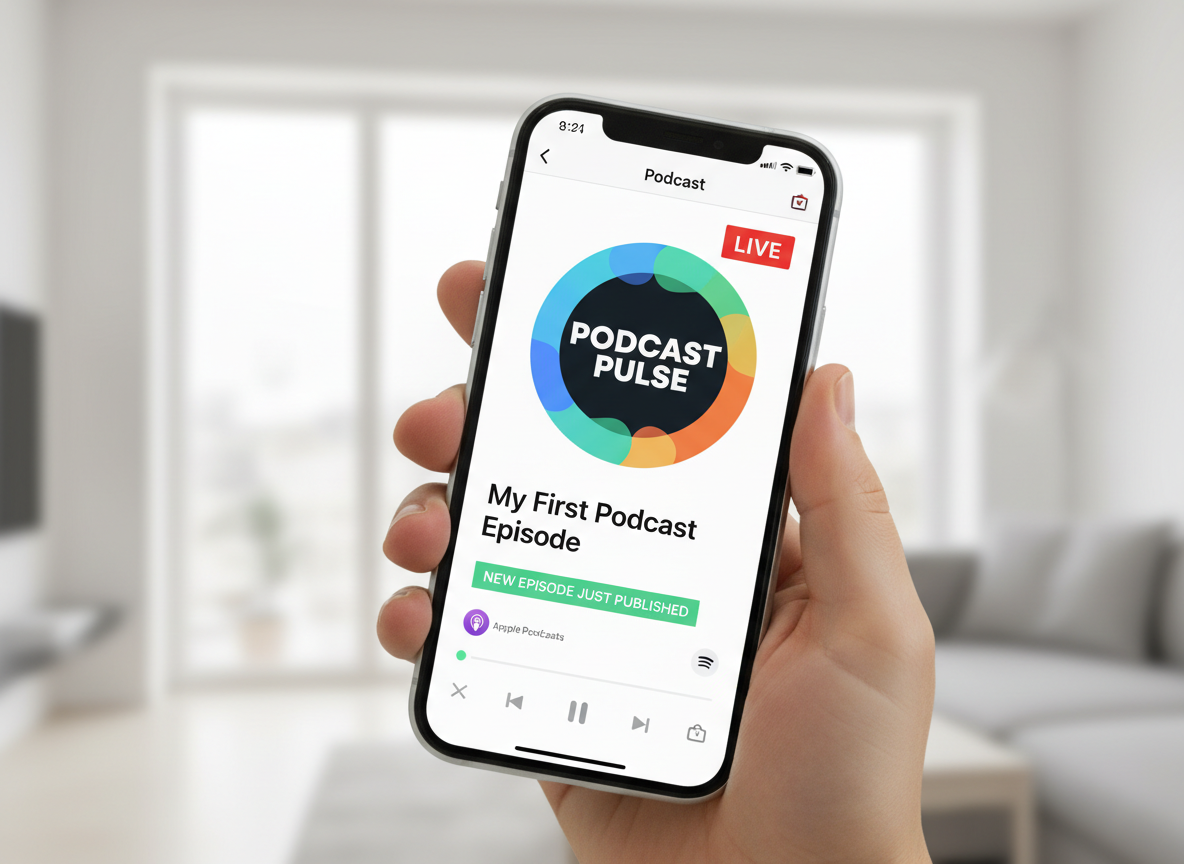
You recorded an episode. Or you are about to. Now you want the simple answer.
How to publish a podcast.
Not branding. Not growth. Not marketing. Just the steps that make your show live on Apple Podcasts, Spotify, and other listening apps.
This guide is the straight path. It shows you how to publish a podcast from start to finish. It also explains how to distribute a podcast so your episodes show up everywhere once you upload.
Let’s begin.
Step 1. Prepare Your Podcast
This is where you build the core of your show. Keep it simple and clean.
Choose your show basics
Start with the essentials.
- Pick a show name
- Pick a general topic
- Pick an episode length. A common range is 20 to 40 minutes
- Pick a format. Interview, solo, or co hosted
Your goal is not perfection. Your goal is clarity.
Record and edit your first episode
To publish, you need a finished audio file.
Most podcast hosts accept MP3. MP3 is also the standard format most podcasters use.
Record your episode. Edit it for clarity. Fix the volume. Cut long pauses. Remove distractions. Then export your final audio.
If you are publishing Episode 1, you might also think about developing one more episode behind it. It can help you feel less rushed after launch. But it is not required.
Create your podcast cover art
Podcast cover art is not optional. It is the face of your show.
Your cover art should be perfectly square.
It should be 3000 by 3000 pixels.
It should be no bigger than 500 kilobytes.
That is a safe standard that fits what Apple and Spotify will accept.
Keep the design bold. Keep the text readable on a small phone screen.
Step 2. Choose a Podcast Hosting Platform
A lot of new creators get confused here.
You do not upload your show directly to Apple Podcasts.
You do not upload your show directly to Spotify either.
You upload your audio to a podcast host. Your podcast host stores your audio and creates an RSS feed.
That RSS feed is what makes everything work. It is the engine behind how to distribute a podcast.
Here are strong hosting options. These are all common choices.
The best host is the one you will keep using. Pick one. Set it up. Move on.
Step 3. Upload Your Episode and Fill In the Details
This is where your podcast becomes real.
When you upload your first episode, you will enter episode information like:
- Episode title
- Episode description and show notes
- Season and episode number if you want it
- Episode type, such as full, trailer, or bonus
- Explicit content setting
That last one matters. If you swear, talk about mature topics, or even think you might, mark it correctly. The wrong setting can create problems later.
Your host will also ask for your show information. This includes:
- Podcast title
- Podcast description
- Category
- Sometimes a subcategory or genre
- Artwork
- Language
- Author name
- Website link if you have one
Do not rush this part. Your title and description show up in search. Your categories help platforms understand where your show fits.
Step 4. Find Your RSS Feed
This is the key step in how to publish a podcast.
Your podcast host will generate a unique RSS feed link.
Copy it.
This link is how directories pull your show. When you connect your RSS feed to platforms, you are not uploading episodes over and over.
You upload once to your host. The RSS feed updates the rest.
That is the whole point of learning how to distribute a podcast the right way.
Step 5. Submit Your Podcast to Apple Podcasts
Apple Podcasts is currently still the biggest directory. It is also the one many creators care about most.
To submit, you will use Apple Podcasts Connect.
Apple’s official process is to add a new show in Apple Podcasts Connect and submit it using your RSS feed.
 How to publish a podcast on Apple Podcasts
The steps are simple.
Sign in to Apple Podcasts Connect.
Click Add.
Choose New Show.
Select Add a show with an RSS feed.
Paste your RSS feed URL.
Review the details and submit.
Apple will validate your feed and review your show.
Once approved, your podcast appears in Apple Podcasts.
This is one of the most important moments in how to publish a podcast.
Step 6. How to Claim a Podcast on Apple Podcasts
Sometimes your podcast is already live on Apple Podcasts. But you do not control it yet.
That is when you need to know how to claim a podcast on Apple Podcasts.
This happens when:
- A previous producer set it up
- A past employee used their Apple ID
- An agency submitted the show
- You inherited the podcast and need access
Apple provides a process inside Apple Podcasts Connect to claim an existing show, and the claim token is time limited.
Here is Apple’s official guide.
If you want ownership and analytics, do not skip this. It matters.
And yes, this is how to claim a podcast on Apple Podcasts the right way.
 Step 7. Submit Your Podcast to Spotify and Other Platforms
Once your RSS feed is set up, the rest is easier.
This is where how to distribute a podcast becomes a repeatable system.
Spotify is one of the biggest listening apps. Many shows start there first. Spotify for Creators also makes it simple to connect your show.
You should also distribute to other platforms like:
Each platform has its own submission flow. But the idea is always the same.
Paste your RSS feed. Confirm your show. Publish.
Once connected, each new episode appears automatically.
This is why learning how to distribute a podcast matters so much.
Step 8. Publish Your Podcast to YouTube
YouTube is now part of the podcast world.
You can connect your podcast RSS feed to YouTube Music (as noted above), and that will publish your audio show there automatically. YouTube Music is built to read RSS feeds, so once it is connected, new episodes can flow in without extra steps.
But YouTube itself does not work that way. If you want a video podcast on YouTube, you upload each episode as a video by hand, the same way you would upload any other video.
FWIW, we do both.
Step 9. Publish New Episodes With a Simple Weekly Workflow
Once you have directories connected, publishing becomes easy.
Here is the weekly cycle:
- Upload the new episode to your host
- Add the title and description
- Confirm the artwork if it is custom
- Schedule it or publish it.
Then your RSS feed updates. Apple Podcasts updates. Spotify updates. Other platforms update too.
This is what people really mean when they ask how to publish a podcast long-term.
It becomes a repeatable system.
Common Mistakes That Slow You Down
Most mistakes happen in the details.
Here are a few to avoid:
- Artwork that is not square
- Artwork that is too large in file size (500 KB please)
- Using the wrong RSS feed link
- Marking explicit content wrong
- Overcomplicating episode titles
- Changing hosts without handling your feed correctly
When you learn how to publish a podcast, small errors can create big delays. It is worth doing clean setup once.
Do You Need a Podcast Setup Agency?
Sometimes the fastest way to publish is to outsource.
A podcast setup agency can handle:
- Hosting setup
- RSS feed setup
- Platform distribution
- Apple Podcasts submission
- Spotify setup
- YouTube publishing workflow
- Metadata and category planning
- Artwork checks and formatting
This is helpful if you are busy, if this show matters for business, or if you want it done right without wasting time.
Before You Publish, Have a Simple Plan
Before you finish, pause for a moment.
Ask yourself why you want this show?
Most new podcasters quit. They do not quit because they are bad. They quit because they have no clear reason to keep going.
Your reason can be simple:
- To build trust
- To build a brand
- To sell a service
- To grow a community
- To create long form content that turns into clips
A plan does not need to be complicated. It just needs to exist.
Then you publish. Then you keep going.
Quick Checklist. How to Publish a Podcast
If you want the clean checklist version of how to publish a podcast, here it is.
- Record and edit your episode
- Export a final MP3
- Create cover art that is square, 3000 by 3000 pixels, and 400-500 KB
- Choose a host like Buzzsprout, RSS.com, Captivate, Blubrry, CoHost by Quill, Podbean, Spotify for Podcasters, or Libsyn
- Upload your episode and fill in details including explicit content setting
- Copy your RSS feed link
- Submit to Apple Podcasts using Apple Podcasts Connect
- Submit to Spotify and other platforms
- Decide whether to connect RSS to YouTube or upload video episodes manually
- Publish new episodes by uploading to your host and letting the RSS feed update everything
That is how to publish a podcast in a way that stays simple.
That is also how to distribute a podcast without creating extra work every week.